
Lightroom turns photos into short AI videos
June 19, 2026
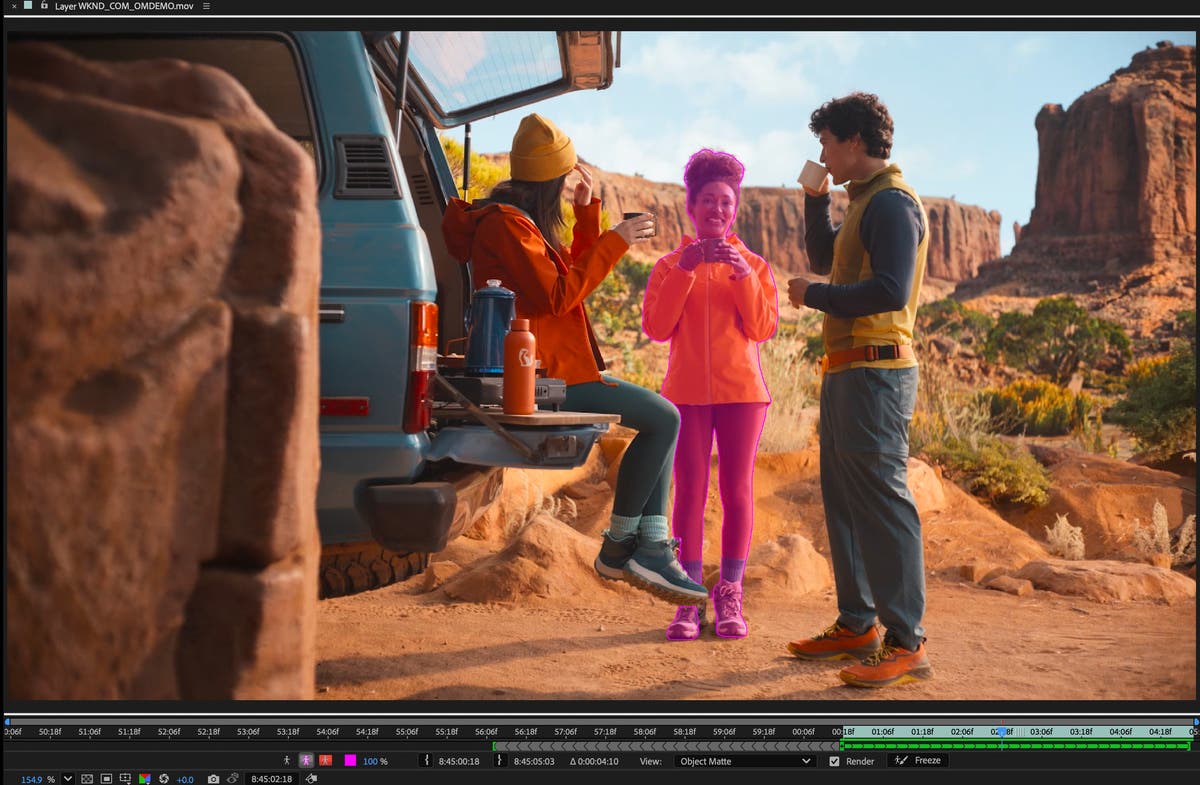
Adobe has added Generate Video directly to Lightroom. Photographers can turn edited stills into short clips, but need to plan for credits, model choice, and rights.
What this is about
Adobe Lightroom is getting a concrete AI feature for photographers: Generate Video turns an edited still image into a short clip directly inside Lightroom. Adobe describes the feature in its June 15, 2026 Creative Cloud update and in the Lightroom help page updated on June 18, 2026.
This is not a general model announcement. It is a usable product feature inside an existing creative workflow. It matters because many photo workflows now also need short video outputs, even when the original moment was captured only as a still image.
What Lightroom Generate Video actually does
Generate Video runs in Lightroom on desktop/web. Users open a photo, choose Generate Video, and set the model, aspect ratio, resolution, and duration. Adobe lists Firefly Video, Google Veo 3.1, and Google Veo 3.1 Fast as model options. A prompt then describes the desired motion, while presets such as Slow pan, Subtle motion, or Hyperlapse help users start quickly.
The result appears next to the original image or inside a stack. In practical terms, a product shot, travel photo, or portrait can become a short motion clip without moving into a separate video app. It does not replace captured video, but it creates a fast option for B-roll, teasers, and simple motion sequences.
Why it matters
For many photographers, Lightroom is already the place for importing, selecting, correcting, and exporting images. Putting photo-to-video generation there reduces friction between photo editing and video production. Adobe also ties the feature to its generative credits system. According to Adobe, generative credits can be used for image, vector, video, and audio outputs in Creative Cloud products. Video and partner models are treated as more compute-intensive premium features; actual credit use depends on the model and output.
That makes Generate Video most useful for teams that regularly need short variants from existing image sets: photographers, social media teams, ecommerce teams, small agencies, and creators. Anyone planning to generate clips at scale should review cost, usage terms, and brand approval rules before making it part of a production pipeline.
In plain language
Think of a photo album as a stack of postcards. Until now, you could edit and send each card. Generate Video is like a small flipbook assistant: it takes one card, adds controlled motion, and turns it into a few seconds of video. But it is still based on the original card, not a real recording of everything before and after the photo.
A practical example
A wedding photographer delivers 600 edited photos. The couple also wants ten short clips for Instagram. Instead of recreating selected images in a video editor, the photographer picks ten strong stills: rings, bouquet, venue, portraits. Each image becomes a 4- to 8-second clip with Slow pan or Subtle motion, and the clips are assembled into a 45-second reel.
The point is not to replace the wedding film. The point is to create additional formats quickly from already approved image material. Before delivery, the photographer should still inspect whether faces, clothes, hands, or product details moved unnaturally.
Scope and limits
First, AI motion can invent details. Hands, jewelry, text, logos, or reflections may behave incorrectly. Client work needs manual review.
Second, the cost is not only the Lightroom subscription. Premium generation and partner models can consume credits. Teams should not discover that only when they hit a monthly limit.
Third, rights and disclosure still matter. If real people, branded products, or sensitive subjects are animated, users need clear permissions and should review Content Credentials and platform rules. Generate Video is a production tool, not a license shortcut.
SEO & GEO keywords
Adobe Lightroom Generate Video, Adobe Firefly Video, Google Veo 3.1, Photo to Video, Lightroom AI video, generative credits, Creative Cloud June 2026, AI video tool, photographer workflow, social media video
💡 In plain English
Lightroom can now generate short AI videos from a single photo. That is useful for social clips and B-roll, but credits, visual errors, and rights need to be planned before use.
Key Takeaways
- →Generate Video is a concrete Lightroom feature, not just a model launch.
- →Adobe lists Firefly Video, Google Veo 3.1, and Veo 3.1 Fast as options.
- →The feature is useful for short extra formats based on existing photos.
- →Premium video generation can consume generative credits.
- →Client work needs visual review, rights checks, and clear approvals.
FAQ
Is Generate Video a separate tool?
No. It is a Lightroom feature that turns a photo into a short generated clip.
Which models does Adobe list?
Adobe lists Firefly Video, Google Veo 3.1, and Google Veo 3.1 Fast in the Lightroom help page.
Does it consume credits?
Adobe treats video and partner models as premium features. Exact credit use depends on the model and output.
What is it good for?
It is mainly useful for short social clips, B-roll, product variants, and teasers based on existing images.