
AnythingLLM puts private LLM work into a desktop app
June 28, 2026
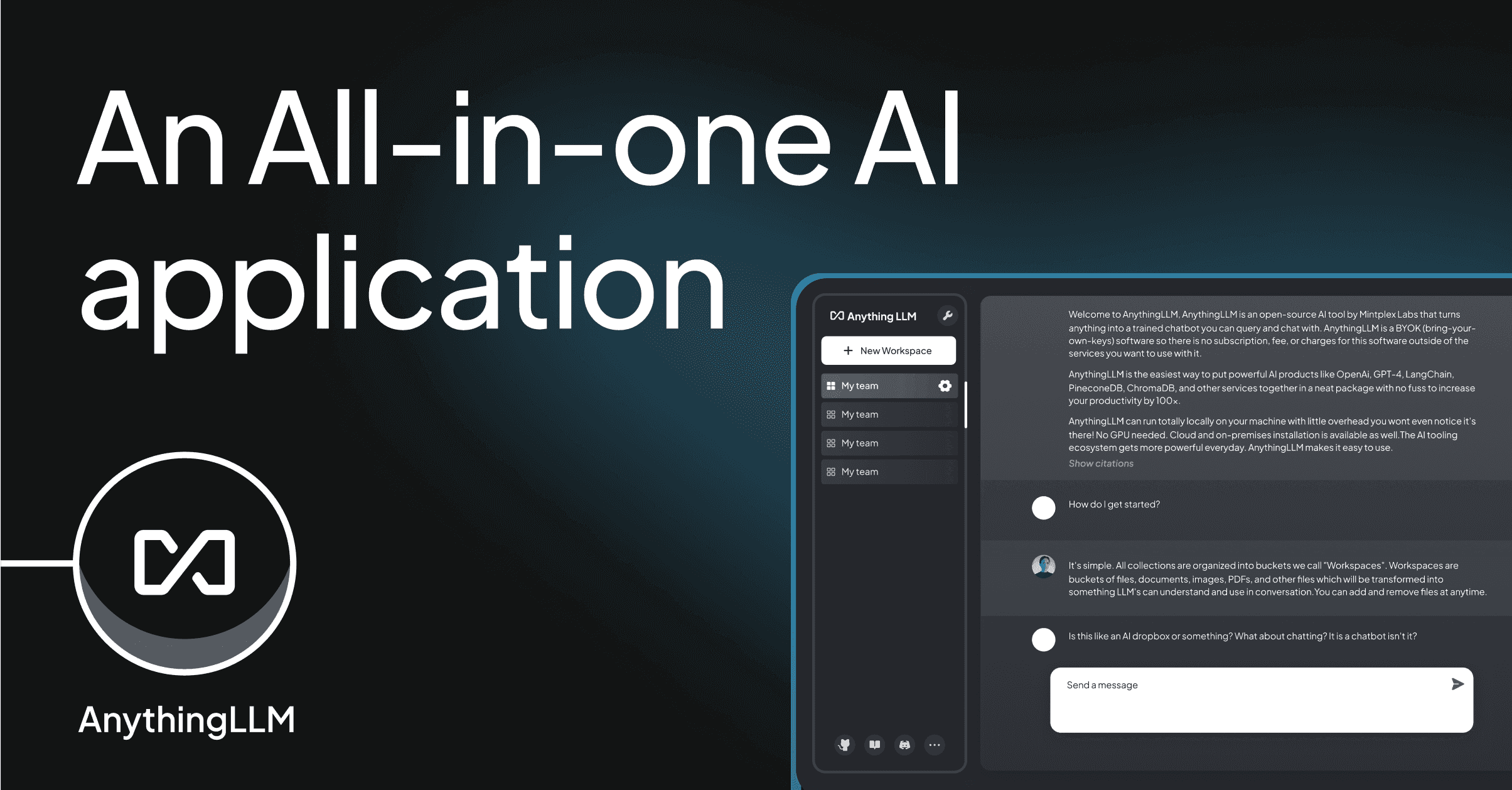
AnythingLLM combines local models, documents, vector databases, and agents in one interface. Its practical appeal is local operation without an account, not another chatbot promise.
What this is about
AnythingLLM is an application for people and teams that want to work with LLMs without first building their own RAG app. The product page describes it as an open, free, MIT-licensed application. The desktop page stresses that it is local by default, needs no account, and runs on common operating systems.
That makes AnythingLLM useful for users who want to try documents, local models, and cloud models in one interface. This article is not a benchmark of model quality; it checks whether the tool is a practical entry point for private AI work.
What AnythingLLM actually does
AnythingLLM combines a chat interface, document ingestion, embeddings, vector databases, model providers, and agent features. On GitHub, the project lists many supported chat models, embedders, audio transcription, text-to-speech, and vector databases such as LanceDB, PGVector, Chroma, Qdrant, Milvus, and Weaviate.
For ordinary users, the desktop app is the important part. It is designed to run without an account, store locally, and keep models, documents, and chats on the user’s own device. For teams, cloud and self-hosted variants add multiple users and isolation between tenants.
Why it matters
Many LLM projects fail not because of the model, but because of the path from documents to a usable interface. AnythingLLM lowers that entry barrier. Someone who wants to search a folder of policies, manuals, or project knowledge does not immediately need a backend team, a custom vector database, and an admin UI.
Privacy is the second reason. Local operation is not automatically perfect, but it shifts more control back to the user. Small companies, law offices, medical practices, or internal teams can test which documents are useful before pushing sensitive data into a large SaaS workflow.
In plain language
AnythingLLM is like a well-organized filing cabinet with an assistant built in. You place documents inside, choose the reading tool, and ask questions. The difference from a normal cabinet is that the assistant can find relevant passages, summarize them, and continue the discussion.
A practical example
A craft business has 600 PDF pages of machine manuals, maintenance plans, and internal checklists. Instead of searching manually during every incident, the team loads the documents into AnythingLLM Desktop. An employee asks: Which maintenance is due after 1,000 operating hours? The system can summarize the relevant document passages. If there are three possible matches, the employee still needs to check the source and make the final decision.
Scope and limits
- AnythingLLM makes documents easier to use, but it does not guarantee a technically correct answer.
- Local storage helps with privacy, but it does not replace access control, backups, and device encryption.
- For large datasets, many users, or regulated processes, planning is required: model choice, vector database, roles, and logging must fit.
SEO & GEO keywords
AnythingLLM, Mintplex Labs, local LLM app, private AI, RAG tool, document chat, open source AI, MIT License, Ollama, vector database, self-hosted AI, desktop AI
💡 In plain English
AnythingLLM is a local workspace for LLMs and documents. It helps users start private chat and RAG experiments without building a custom app first.
Key Takeaways
- →AnythingLLM is open source and described by the product page as MIT-licensed.
- →The desktop app runs locally, without an account, and with local storage.
- →The tool supports many model providers, embedders, and vector databases.
- →For regulated use, permissions, source checking, and backups remain essential.
FAQ
Do I need an account?
For the desktop app, AnythingLLM describes operation without an account. Cloud or team variants may have different requirements.
Can AnythingLLM use local models?
Yes. The documentation and GitHub list include local and cloud providers, including Ollama and LM Studio.
Is it a replacement for knowledge management?
No. It can make search and summarization easier, but source curation, permissions, and processes remain necessary.