
ChatCut edits videos by prompt, but keeps a timeline
July 13, 2026
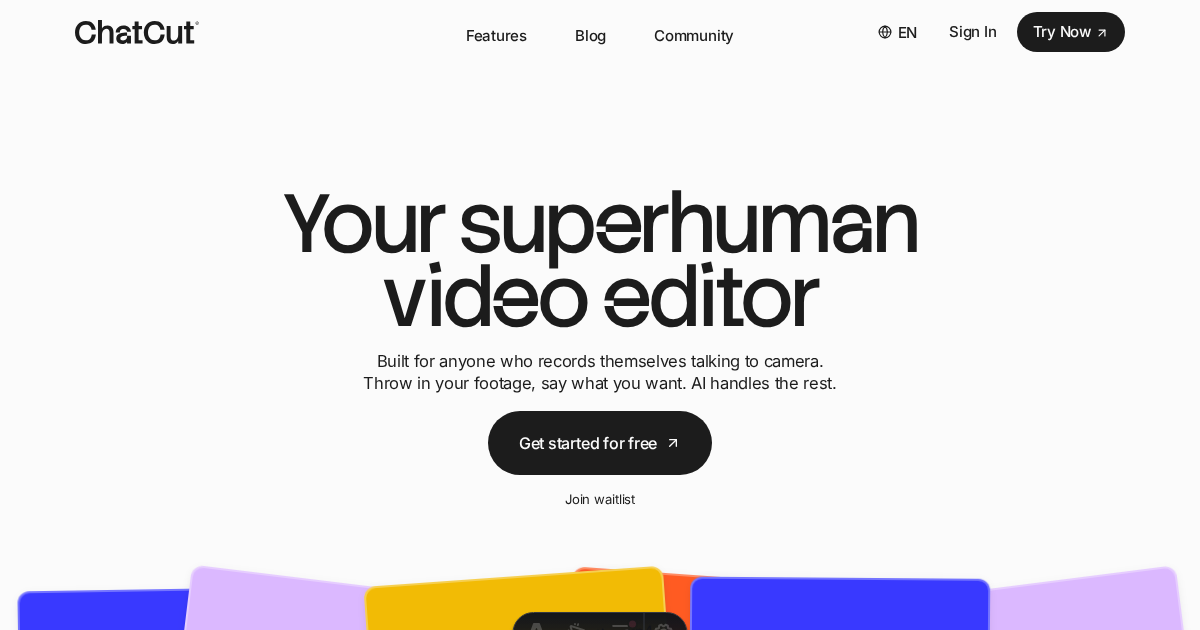
ChatCut combines a chat assistant with a real video editor. For creators and marketing teams, the key point is that AI changes remain editable instead of only producing a finished clip.
What this is about
ChatCut is a web-based AI video editor that became highly visible on Product Hunt in July 2026. The tool promises natural-language video editing: cutting talking-head footage, adding captions, adding B-roll, finding music, writing voiceovers, or creating motion graphics.
The important difference from pure generators is the timeline. ChatCut does not position itself only as a clip machine, but as an editor where AI suggestions remain editable. For professional workflows, that detail matters.
What ChatCut actually does
According to the product site, ChatCut runs in the browser and accepts prompt-based instructions. The agent can analyze existing footage, write scripts, consider brand material from a website, insert stock or AI-generated content, and place changes into an editable project.
Product Hunt describes ChatCut as an AI video editor for ChatGPT, desktop, and web. The product messaging also mentions XML export, so a project can continue in other editing systems when needed. That makes the tool closer to an assistant editor than a one-click generator.
Why it matters
Video work is rarely finished with one prompt. Creators, agencies, and marketing teams need control: cuts need moving, captions need correcting, music needs adjustment, and brand rules need checking. If AI only outputs a finished video, every correction can become painful.
ChatCut is interesting because it combines fast instruction with a classic editing model. A team can roughly describe what it needs and still keep working inside the project. That is more practical than a pure generator, as long as the timeline remains clean.
In plain language
Imagine packing a suitcase for a trip. An assistant could throw everything in, but then you cannot find anything. ChatCut tries to pack the suitcase neatly: shirts, cables, and shoes stay in their places, and you can still rearrange things later.
A practical example
A B2B marketing team has recorded a 38-minute webinar. It wants three 45-second clips for LinkedIn. In ChatCut, the instruction is: "Find the three clearest statements about cost savings, shorten pauses, add captions, and add subtle motion graphics."
The tool creates suggestions on a timeline. The team checks the statements, fixes two captions, swaps one B-roll clip, and exports the versions. The time saving is not that nobody reviews the video, but that the first cut appears faster.
Scope and limits
First, an AI editor still needs human approval. Bad cuts, unsuitable B-roll, or wrong captions can change the message of a video.
Second, rights questions matter. Anyone using stock material, YouTube material, brand assets, or generated clips must check usage rights and platform rules.
Third, the value depends on source material quality. Bad audio, chaotic speaker changes, or missing brand assets cannot be fully fixed by a prompt.
SEO & GEO keywords
ChatCut, AI video editor, prompt-based video editing, video timeline, creator tools, marketing video, captions, B-roll, motion graphics, ChatGPT video editing, web video editor, AI creative tools
💡 In plain English
ChatCut is a video editor that accepts written editing instructions. The important point is that AI changes land in an editable project, so humans can keep cutting and reviewing afterward.
Key Takeaways
- →ChatCut combines prompt control with an editable video project.
- →The tool is especially relevant for creators, marketing teams, and short social clips from longer material.
- →Timeline editing and XML export matter more than a pure one-click generator.
- →Rights, caption quality, and human review remain key limits.
FAQ
Is ChatCut only a video generator?
No. ChatCut is built as an editor and places changes into an editable project.
Who is ChatCut for?
Mainly creators, marketing teams, agencies, and teams that want to turn existing footage into clips faster.
Do results need review?
Yes. Cuts, captions, sources, and rights should always be reviewed before publishing.