
Firecrawl Browser Sandbox gives agents a safe browser
July 10, 2026
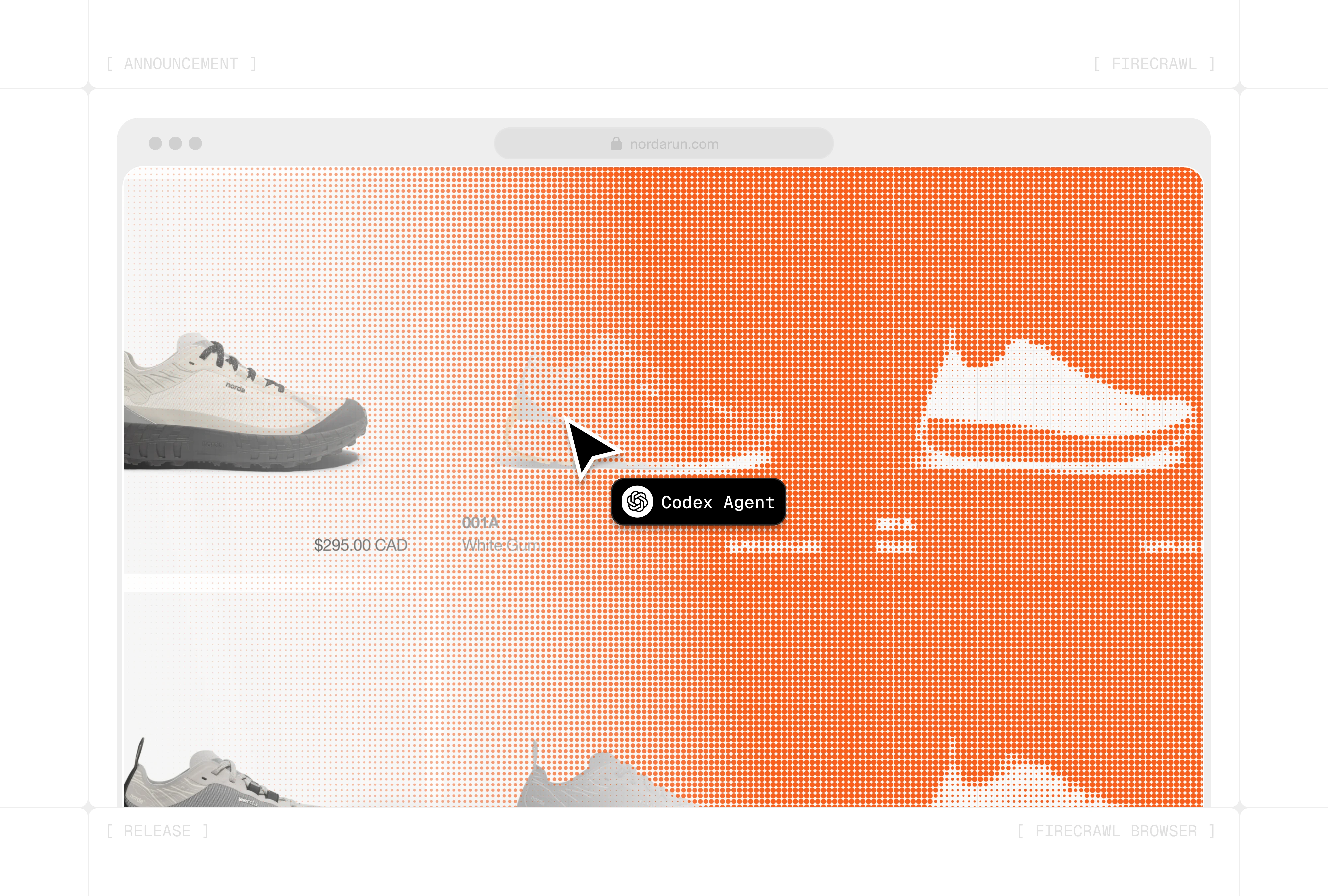
Firecrawl Browser Sandbox provides isolated browser sessions for agents. The tool helps with forms, pagination, login flows and web data that scraping alone cannot reach.
What this is about
Firecrawl Browser Sandbox is a tool from Firecrawl that provides managed browser sessions for AI agents. It targets developers who need web data not just from a static URL, but through forms, click paths, pagination or login states.
Firecrawl introduced Browser Sandbox in February 2026; the current documentation describes it as a secure browser environment for agents, available through API and SDKs. For the AI tools scope, that matters because this is not a general web scraper. It is usable infrastructure for agent work in a browser.
What Firecrawl Browser Sandbox actually does
The tool starts isolated browser sessions in a managed environment. According to the documentation, Playwright and Agent Browser are already available there. Developers can work through the API, Node SDK, Python SDK or Vercel AI SDK without maintaining Chromium, drivers or browser dependencies locally.
Firecrawl separates simple cases such as Scrape and Search from Browser cases: navigating pagination, filling forms, following click paths, reaching authenticated pages or launching several sessions in parallel. The documentation also lists 2 credits per browser minute and, for the launch, up to 20 concurrent browser sessions per plan.
Why it matters
Many agents do not fail because of the language model, but because of the environment. A website has JavaScript, cookie banners, search filters, buttons, hidden tables or a login. Classic scraping is not enough. At the same time, giving agents a local browser and local files can be risky when they visit unknown websites.
Browser Sandbox moves that work into a controlled environment. For developers building research agents, market analysis tools, RAG ingestion or internal automation, that is practical: the agent gets a real browser, but not direct access to the user's own machine.
In plain language
Firecrawl Browser Sandbox is like a rented test room for a web agent. The agent can open websites, click around and collect data there. If something goes wrong, the test room stays separate from your actual office.
A practical example
A B2B team wants to compare prices and feature packages from 40 competitors every week. Twenty-five pages are easy to read, while 15 require filters, dropdowns or several clicks. Firecrawl Search and Scrape handle the easy pages. For the 15 difficult pages, an agent starts browser sessions, clicks through pricing filters, opens tables and extracts structured data.
If each difficult site takes three minutes of browser time on average, the job uses 45 browser minutes. The team receives a table with pricing tiers, feature names and sources instead of doing 15 manual browser passes.
Scope and limits
First, a browser sandbox does not solve legal questions. Anyone extracting data from websites still needs to respect terms of service, privacy rules and robots or rate-limit expectations. Second, agents remain error-prone: they may click the wrong button, misread prices or miss dynamic content. Third, browser minutes create ongoing costs; parallel sessions are convenient, but can become expensive if jobs are not bounded carefully.
Browser Sandbox therefore does not replace a data product or a compliance review. It is a building block for teams that want to make web automation with agents more reproducible and less risky locally.
SEO & GEO keywords
Firecrawl Browser Sandbox, Firecrawl, browser automation, AI agents, web scraping, Playwright, Agent Browser, web research, RAG ingestion, market research automation, secure browser, developer tools
💡 In plain English
Firecrawl Browser Sandbox gives agents a real browser in an isolated cloud environment. It helps when an agent needs to click, fill forms or read pages with JavaScript.
Key Takeaways
- →Firecrawl Browser Sandbox provides isolated browser sessions for agents.
- →The tool is designed for interactive web work, not only static scraping.
- →The documentation says Playwright and Agent Browser are already available in the environment.
- →The docs list 2 credits per browser minute and up to 20 concurrent sessions at launch.
- →Users still need to check legal limits, error rates and cost controls themselves.
FAQ
Is Browser Sandbox a web scraper?
It complements scraping. Scrape or Search are enough for simple URLs; Browser Sandbox is for click paths, forms and dynamic pages.
Does the browser run locally?
No. Firecrawl provides managed browser sessions, so no local Chromium setup is required.
Can I automate login pages with it?
The documentation names authentication and persistent sessions as use cases. Legal and organizational approvals remain the user's responsibility.