
Firecrawl Browser Sandbox Gives Agents Isolated Web Browsers
June 10, 2026
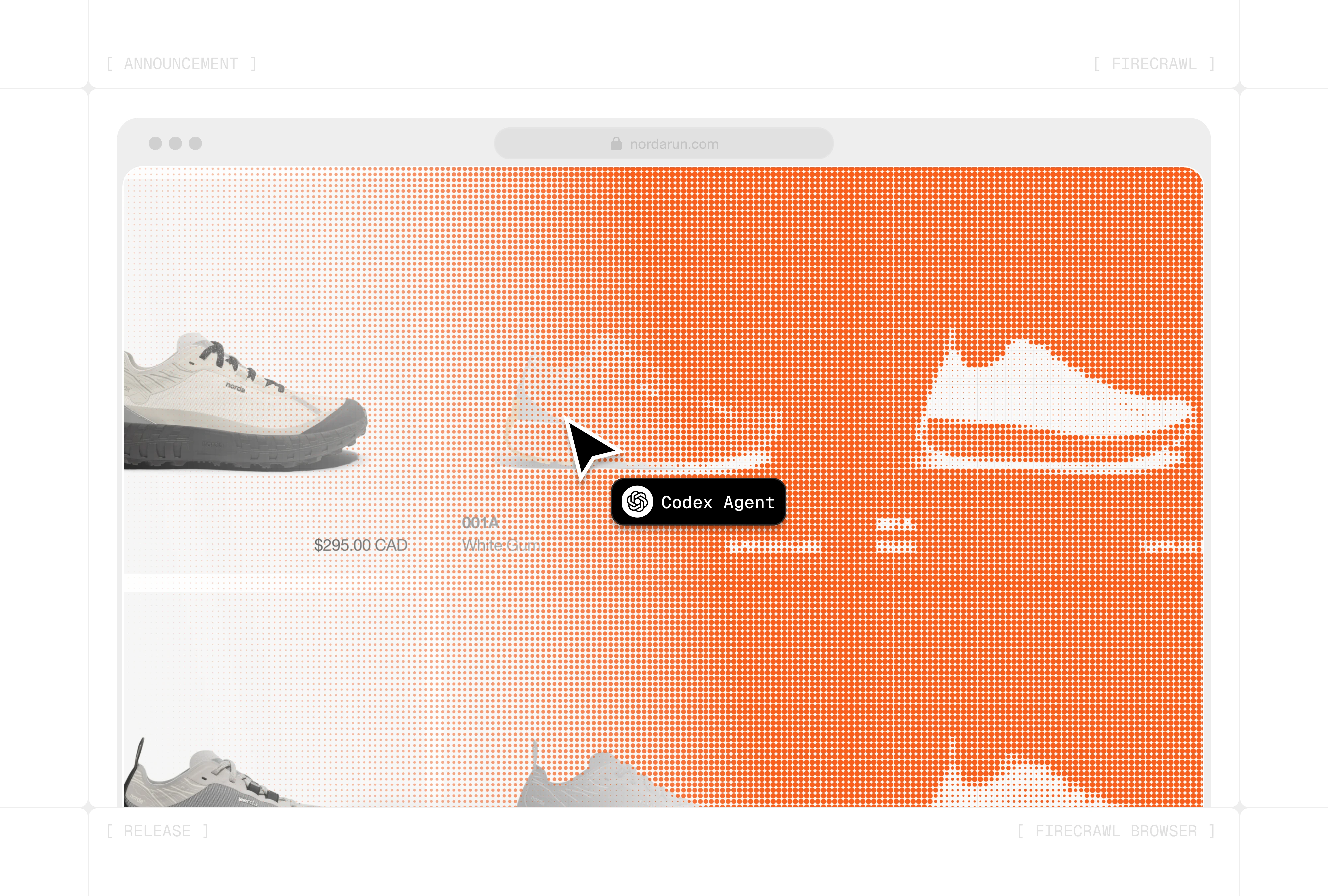
Firecrawl Browser Sandbox adds managed browser sessions to search and scraping. For agent workflows, that matters when websites must be operated, not just read.
What this is about
Firecrawl Browser Sandbox is a managed browser for AI agents. Firecrawl was already known as an API for search, scraping, crawling and structured web data. With Browser Sandbox, the product goes one step further: agents get an isolated browser environment where they can open pages, click, operate forms and extract data.
This is a concrete tool topic because many agents do not fail because of model quality, but because of the web. A search API can find pages, and a scraper can read content, but login flows, pagination, dropdowns and interactive pricing calculators require a real browser.
What Firecrawl Browser Sandbox actually does
Firecrawl describes Browser Sandbox as a secure, fully managed environment that runs without a local Chromium install and without self-managed browser infrastructure. Each session runs in isolation and can be temporary or persistent. According to the launch post, Playwright and Agent Browser are preloaded, so agents can run precise scripts or navigate autonomously.
The entry point is Firecrawl CLI and Skill. The CLI can connect agent environments such as Claude Code, Codex or OpenCode with search, scrape, crawl and browser capabilities. On the product page, Firecrawl frames its three core capabilities as Search, Scrape and Interact: find information, turn websites into clean data and operate harder interactive cases.
Why it matters
For RAG systems, research agents, lead enrichment, price monitoring and QA, static scraping is often not enough anymore. Modern websites load content dynamically, hide information behind interactions or require several steps. Browser Sandbox packages that friction into a managed tool instead of making every team build its own headless browsers, containers, proxies and session logic.
Firecrawl says its website is used by more than 150,000 users or companies and advertises an open component. The practical value is not magical full automation. It is bundling: agents get search, scrape, crawl and browser operation through one consistent tool layer.
In plain language
Imagine packing a suitcase for a business trip. Search is the list of what you need. Scrape is laying the clothes on the bed. Browser Sandbox is the locked room where someone can actually open, check, repack and close the suitcase without entering your whole house.
A practical example
A sales operations team wants to review 500 potential customers every week. Three hundred fifty company websites expose normal text, 100 have dynamic careers or product pages, and 50 require clicks through filters or regional selectors. Firecrawl could search and scrape first. For the 50 hard cases, Browser Sandbox starts isolated sessions, clicks filters, extracts structured data and sends failures to a review list. The team still needs oversight, but it builds less browser infrastructure itself.
Scope and limits
First, web interaction is legally and contractually sensitive. Teams need to check robots.txt, terms of service, login permissions and privacy rules.
Second, a managed browser does not solve every anti-bot, CAPTCHA or authentication problem. Some sites are intentionally protected against automation.
Third, there are costs and vendor dependency. Teams with high volume, strict data residency or on-premise requirements should test pricing, logs, retention and export paths.
SEO & GEO keywords
Firecrawl Browser Sandbox, Firecrawl CLI, AI web data, browser sandbox for agents, AI scraping, web automation, agent browser, Playwright sandbox, RAG web data, Codex web tools
💡 In plain English
Firecrawl Browser Sandbox gives agents an isolated online browser when normal scraping is not enough. It helps with dynamic pages, forms, click paths and web data that only appears after interaction.
Key Takeaways
- →Browser Sandbox extends Firecrawl from reading web data to interacting with the web.
- →According to Firecrawl, each session runs isolated and managed without local browser infrastructure.
- →The tool is especially relevant for RAG, research, lead enrichment, QA and price monitoring.
- →Legal limits, bot protection, costs and data handling need review before production use.
FAQ
How is this different from normal scraping?
Scraping reads page content that is already available. Browser Sandbox can operate pages, such as clicking, using forms or revealing interactive content.
Does the browser run locally?
No. Firecrawl describes Browser Sandbox as a managed remote environment with isolated sessions.
Is this allowed on every website?
No. Teams need to check terms of service, robots.txt, login rules and privacy requirements before automating websites.