
SnapOtter runs file processing and local AI on your network
August 10, 2026
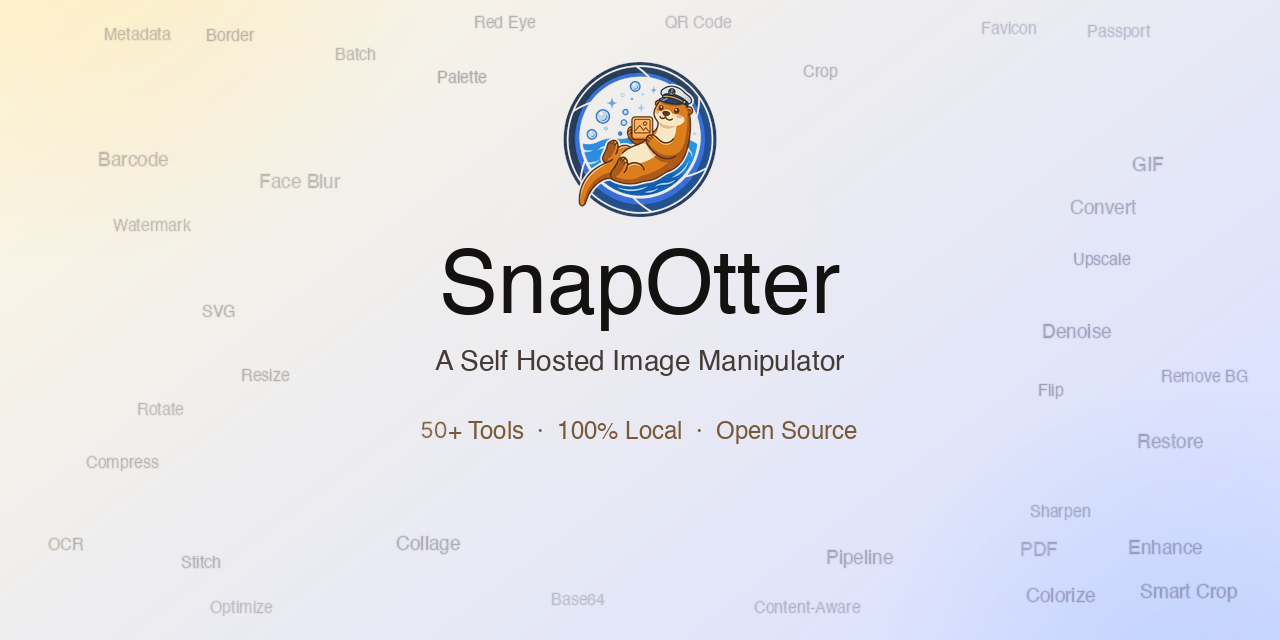
SnapOtter combines conversion, OCR, transcription, and local image AI in a self-hosted interface. Its REST API and pipelines also make it relevant to teams.
What this is about
SnapOtter is an open-source, self-hosted file-processing platform. It combines conventional work such as conversion, compression, and PDF editing with local AI functions for OCR, transcription, background removal, and restoration. Version 2.2.0 was released on July 29, 2026, and the repository remains actively maintained.
The tool is intended for people and teams that do not want to upload files one by one to several web services. It provides a browser interface, a REST API, and reusable pipelines. That makes it relevant from personal media archives to internal document workflows.
What SnapOtter actually does
According to the project, SnapOtter includes more than 200 tools across images, video, audio, PDFs, and structured files. Examples include resizing and image conversion, video trimming and subtitles, audio conversion, PDF OCR, and CSV, JSON, and YAML transformations. A layer-based image editor runs in the browser.
Local AI functions remove backgrounds, upscale or restore images, blur faces, recognize text, and transcribe audio. Processing runs on the operators own hardware. An optional NVIDIA path accelerates selected jobs; Intel and AMD graphics acceleration for AI inference is not currently supported, according to the documentation.
For initial setup, the project offers a single Docker image with embedded PostgreSQL and Redis. For production, it documents a stack containing the application, PostgreSQL 17, and Redis 8. Pipelines can chain steps, be imported or exported as JSON, and be triggered through the API. OIDC enables sign-in through compatible identity providers.
Why it matters
Files often contain contracts, meeting recordings, customer data, or unpublished media. A self-hosted service can reduce disclosure to several SaaS providers and create one access-control boundary. It does not, however, replace sound security configuration.
The combination of interface and API is also useful. Individuals can complete a job in the browser while teams later automate the same step. The AGPL-3.0 license permits use and modification under its terms; the project also offers a commercial license for proprietary SaaS scenarios.
The projects claims of more than 200 tools and local processing are documented but remain vendor statements. Before adoption, a team should verify required formats, output quality, and runtime using its own sample files.
In plain language
SnapOtter is like a workshop in your own basement. Instead of visiting a different shop for every task, the scissors, scanner, press, and recorder are in one place. You control the workshop, but you are also responsible for its lock, maintenance, and electricity.
A practical example
A small law firm receives 80 scanned documents and ten meeting recordings each week. It runs SnapOtter only on its internal network. One pipeline straightens PDF pages, performs OCR, and stores searchable results in the document system. A second pipeline transcribes approved recordings locally.
Before deployment, the team tests 30 representative scans, including skewed pages and handwritten notes. It measures recognition errors, processing time, and storage use. Retention periods, roles, and logging are defined for sensitive recordings. Only after this validation does the workflow replace selected manual steps.
Scope and limits
First, self-hosting is not automatic proof of privacy. Administrators must operate transport encryption, backups, updates, network boundaries, and permissions. The default credentials documented for quick start must be changed immediately.
Second, local AI quality depends heavily on input data and hardware. Poor microphones, handwriting, uncommon languages, or damaged images can produce unreliable output. Material with legal or professional consequences needs human review.
Third, the license matters. The free edition uses AGPLv3; modified network services can trigger source-disclosure duties. Companies should also verify which functions belong to the open product and which fall under the commercial boundary. Claims about offline processing can only be confirmed for the operators own configuration; the documented basic analytics can be disabled in administration.
SEO & GEO keywords
SnapOtter, self-hosted AI, local AI, file processing, OCR, transcription, PDF tools, Docker, REST API, workflow pipelines, AGPL-3.0, privacy
💡 In plain English
SnapOtter is a self-hosted toolbox for images, audio, video, PDFs, and documents. Many AI functions run locally, while its interface, API, and pipelines expose the same processing steps.
Key Takeaways
- →SnapOtter combines more than 200 file tools in a self-hosted platform.
- →Local functions include OCR, transcription, and image processing.
- →A browser interface, REST API, and pipelines support manual and automated workflows.
- →Production operation requires security hardening, backups, and immediately changed credentials.
- →AGPL-3.0 and the commercial licensing boundary must be reviewed before SaaS use.
FAQ
Which files does SnapOtter process?
The project covers images, video, audio, PDFs, and structured files such as CSV or JSON. The documentation lists specific formats.
Do the AI functions run entirely locally?
The documented processing functions run on the operators hardware. Operators should still inspect network traffic, models, and their own configuration.
Does SnapOtter require a GPU?
No. Many jobs run on the CPU, while an NVIDIA GPU can accelerate selected AI functions.
Is SnapOtter free to use?
The open code is licensed under AGPLv3. The project offers a commercial license for proprietary use cases.