
BrowserSkill connects AI agents to a signed-in browser
August 13, 2026
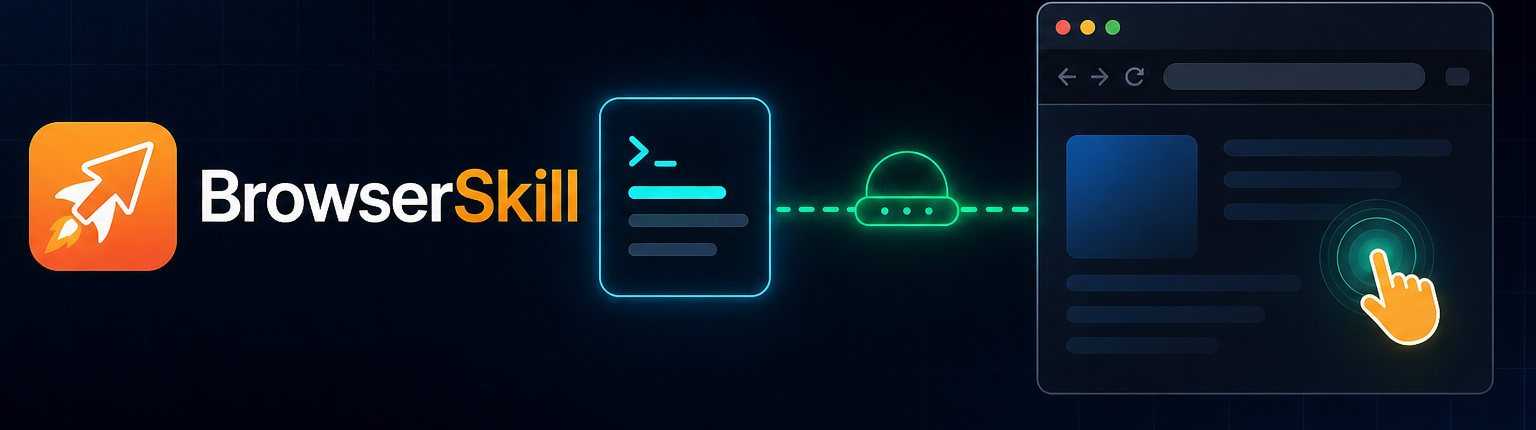
Tencent's BrowserSkill lets shell-capable AI agents work in a visible browser window and reuse existing logins. It reduces handoffs, while also expanding the attack surface.
What this is about
BrowserSkill is an open-source Tencent tool that connects AI agents to a signed-in Chrome or Edge browser. It combines a local command-line program, a background daemon, and a browser extension. Supported shell-capable agents include Codex, Claude Code, Cursor, and OpenClaw.
The approach differs from isolated cloud browsers: BrowserSkill can reuse the real local login state. An agent must explicitly borrow an existing tab and return it afterward. By default, it works in a separate, visible Agent Window while the user continues using other browser windows.
What BrowserSkill actually does
The bsk command-line interface sends browser tasks to a local daemon. That daemon communicates over a WebSocket on 127.0.0.1 with the extension, which performs clicks, typing, navigation, and page inspection inside the Agent Window. The agent therefore does not access the browser profile directly; it uses the defined local bridge.
BrowserSkill supports macOS, Linux, and Windows. Chrome and Microsoft Edge are officially listed. Other Chromium browsers may work, while Firefox remains planned according to the project. Captchas, new logins, and confirmation dialogs can be handed to a person: the user takes control briefly and then lets the agent continue.
Why it matters
Many automation tasks fail not because of the language model, but because of sessions, multi-factor authentication, and pages that behave differently in a fresh browser. A signed-in local browser removes some of that friction. Teams can operate internal web applications, publishing systems, or administrative interfaces with the same agent they use in a terminal.
The repository was released on June 22, 2026 and uses the MIT license. Its open CLI interface avoids lock-in to one agent. At the same time, reuse of real sessions is the most sensitive feature: a tool with access to signed-in tabs may read, click, and submit forms in the user's name.
In plain language
BrowserSkill is like a workshop key used under supervision. The agent does not receive the entire key ring; it gets a visible workspace and, when necessary, an explicitly loaned key for one door. That is more controllable than an unattended master key. A single borrowed key can still cause damage if the instruction or destination is misunderstood.
A practical example
A support team needs to inspect 40 new tickets in an internal portal. The agent opens the portal in its Agent Window, reuses the existing session, reads subject lines and priorities, and prepares a table. When one ticket contains personal data, an employee stops the run, checks the context, and allows only the necessary fields to be copied.
The agent then needs to update ten priorities. Rather than allowing immediate changes, the team first asks it to prepare a preview showing the ticket number, old value, and new value. Changes are confirmed individually after human review. The benefit comes from fewer routine clicks; approval of risky actions remains with a person.
Scope and limits
First, prompt-injection content on websites may steer an agent toward unwanted actions. Visible windows and explicit tab borrowing reduce that risk but do not remove it. Second, an active browser session often carries broad permissions. Financial transactions, user administration, publication, and deletion should not run unattended. Third, website changes, captchas, and complex dialogs can break workflows at any time.
Before deployment, teams should use a separate browser profile, minimal account permissions, short sessions, and confirmation before write operations. The best first test is a read-only task on a low-risk system. BrowserSkill is an automation bridge, not a security boundary or a replacement for permission management.
SEO & GEO keywords
BrowserSkill, Tencent, browser automation, AI agents, Codex, Claude Code, OpenClaw, Chrome extension, human in the loop, local automation, prompt injection
💡 In plain English
BrowserSkill gives AI agents controlled access to a visible, already signed-in browser. It can accelerate routine work, but requires minimal permissions and human confirmation before consequential actions.
Key Takeaways
- →BrowserSkill connects shell-capable agents to Chrome or Edge through a local CLI and extension.
- →The agent normally works inside a separate visible window.
- →Existing tabs must be explicitly borrowed and returned afterward.
- →Reusing real logins reduces handoffs but increases security risk.
- →Write operations and consequential actions require human confirmation.
FAQ
Which browsers does BrowserSkill support?
Chrome and Microsoft Edge are officially supported. Other Chromium browsers may work; Firefox remains planned.
Can BrowserSkill reuse existing logins?
Yes. The tool can use an existing session and borrow a tab after explicit approval.
Does BrowserSkill require one specific agent?
No. Any shell-capable agent environment can in principle call the local bsk command-line interface.
Is the automation protected from prompt injection?
Not completely. Visibility and human handoffs help, but do not replace permission limits and content controls.