
T-Rex Label speeds up image annotation with visual prompts
June 14, 2026
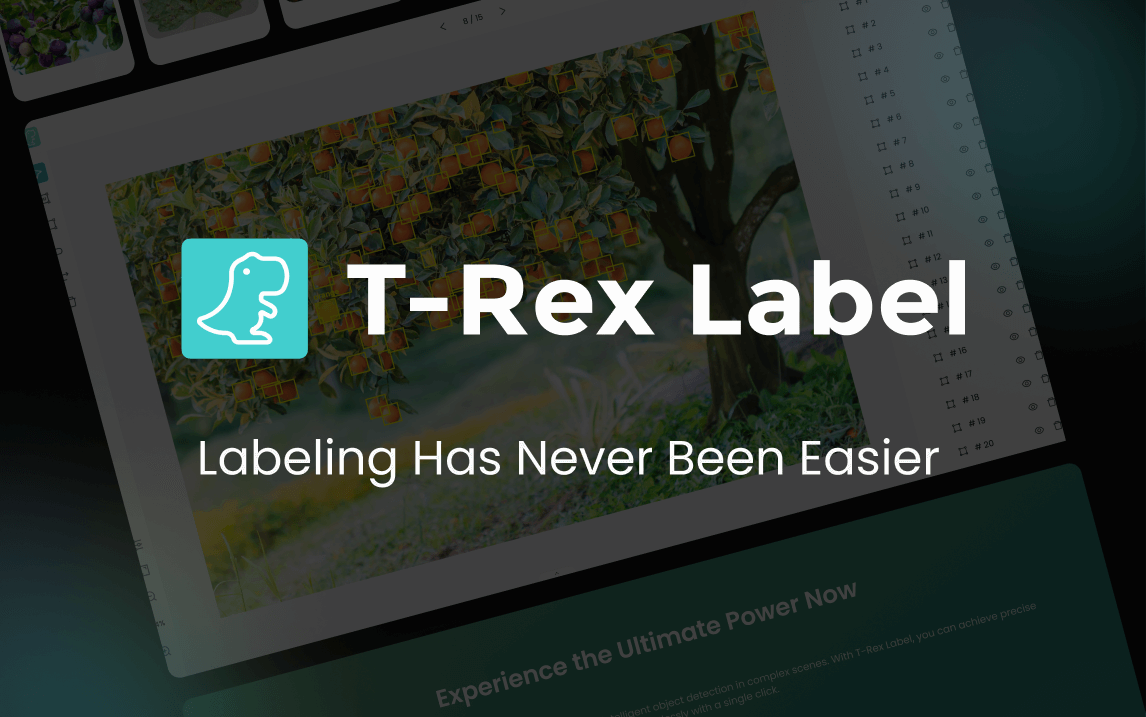
T-Rex Label is a browser-based annotation tool for computer vision teams. It uses visual prompts and zero-shot detection to prepare bounding boxes and masks faster.
What this is about
T-Rex Label is a concrete tool for teams preparing image data for computer vision models. Instead of marking every screw, plant, or package by hand, the user gives the system a visual prompt, for example a box around one example object. The tool then looks for similar objects in the image or across a batch and creates pre-annotations.
The value is not that annotation disappears. The value is that the first heavy pass becomes faster, so specialists can spend more time on review, correction, and edge cases. For manufacturing, logistics, agriculture, retail, or medical imaging projects, that can decide whether a dataset is testable in days or weeks.
What T-Rex Label actually does
T-Rex Label runs in the browser and presents itself as a zero-setup annotation tool. Its official site lists bounding boxes, segmentation, mask annotation, video frame import, and exports for common dataset formats such as COCO and YOLO. Technically, the product sits around the T-Rex, DINO-X, and Grounding DINO model family.
The practical workflow is straightforward: upload images, show the target object with a visual mark, run pre-annotation, review the results, remove false detections, and export the dataset. The product page also names integrations or export paths around Kaggle, Hugging Face, Roboflow, Label Studio, FiftyOne, PyTorch, TensorFlow, and Keras. That makes T-Rex Label useful for teams that do not want dataset preparation to become the bottleneck.
Why it matters
Computer vision projects often fail not because of the model, but because of data work. If a team has to label thousands of product photos, drone images, or microscope images, it pays in time, money, or quality risk. Zero-shot and auto-labeling approaches can help, as long as they are not accepted blindly. Voxel51 points out in its own auto-labeling research that automated labels can approach human-level performance in some object detection settings, but thresholds and quality control remain decisive.
For real users, T-Rex Label matters because it turns tedious preparation into a reviewable workflow. It is not a general chatbot and not only a research demo, but a usable product with an interface, a credit system, and export paths.
In plain language
Imagine sorting a box with 10,000 screws, nuts, and washers. You show a helper once: this is the screw I am looking for. The helper then puts all similar parts in one pile. You still need to check the pile, but you no longer start from zero.
A practical example
A logistics team wants to label damaged boxes in 12,000 warehouse images. Manually, one labeler might finish 250 images per day. With T-Rex Label, the team could upload 300 sample images, mark damaged edges with boxes, and apply pre-annotation to more images. A human then reviews the hits, removes shadows that were detected incorrectly, and exports the result as a COCO dataset for a first detector. The test is not finished, but it becomes measurable earlier.
Scope and limits
- Zero-shot detection can fail systematically when objects are hidden, tiny, or lit in unusual ways.
- Sensitive image data needs legal and technical review before upload, especially in medicine, security, and production.
- Automatic labels are training material, not truth. Without sampling, review, and error statistics, a model can learn the wrong patterns.
The next sensible test is small: 200 to 500 real images, clear target classes, an export into the team's training format, and an error list by object class. Only then does scaling make sense.
SEO & GEO keywords
T-Rex Label, computer vision annotation, AI data labeling, zero-shot object detection, visual prompting, COCO dataset, YOLO dataset, mask annotation, Grounding DINO, DINO-X, Roboflow, Label Studio
💡 In plain English
T-Rex Label helps computer vision teams prepare image data faster. You show the tool one example object, let it pre-label similar objects, and then review the results manually.
Key Takeaways
- →T-Rex Label is a usable browser tool for image annotation.
- →Visual prompts help suggest similar objects without custom fine-tuning.
- →COCO- and YOLO-style workflows make it practical for ML teams.
- →Automatic labels still need review and statistical quality checks.
- →The best first step is a small real dataset with clear error criteria.
FAQ
Is T-Rex Label a model or a tool?
It is a browser-based annotation tool that uses models for pre-annotation.
Can it replace human review?
No. It speeds up the first pass, but quality control is still required.
Who should care about it?
Computer vision teams in logistics, manufacturing, agriculture, retail, and research.
What data should I test first?
A small real dataset with 200 to 500 images and clear target classes is a sensible start.